
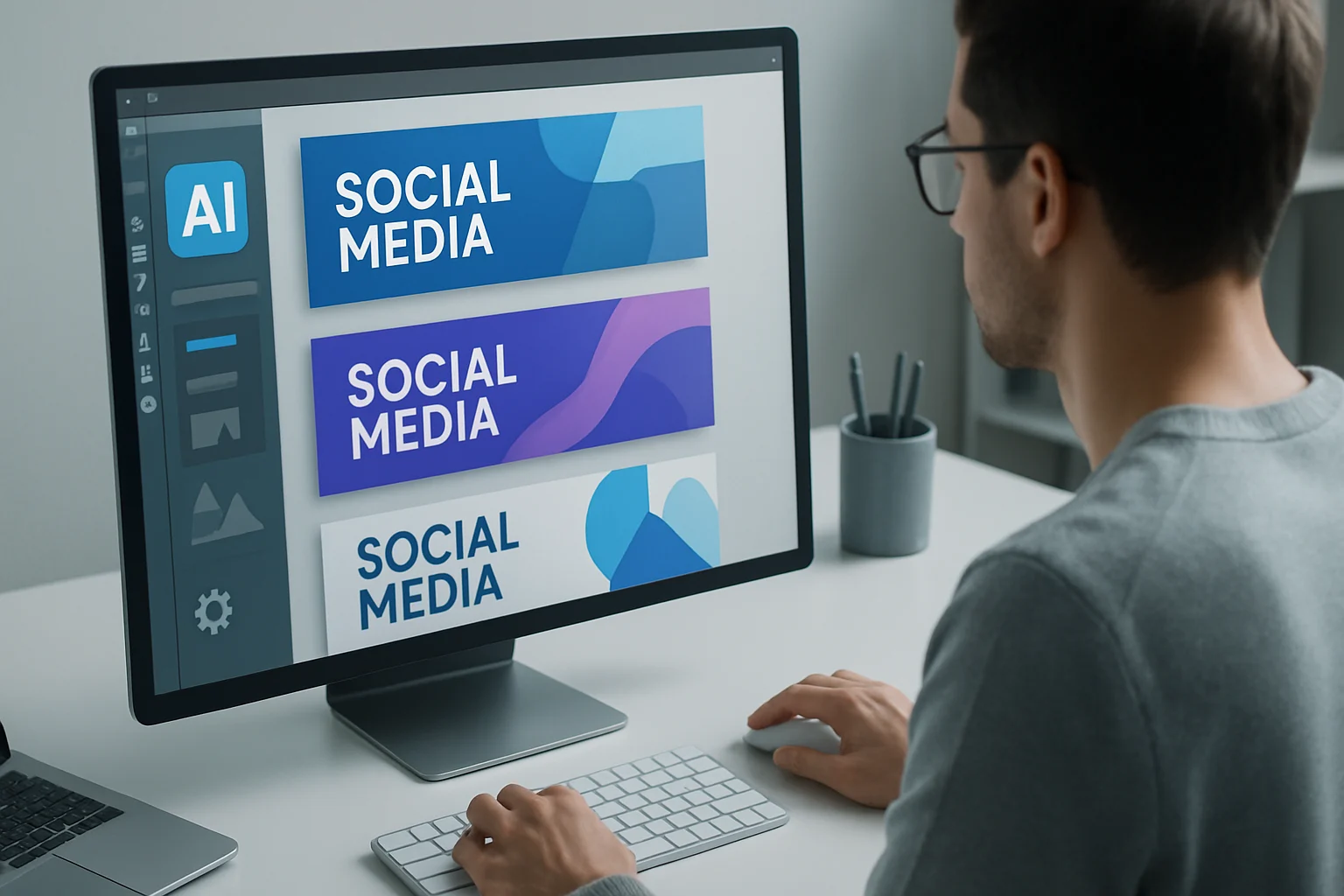
Designing effective social media banners is more crucial than ever in today’s digital landscape. With billions of active users across platforms like Facebook, Instagram, and Twitter, visually striking and engaging content is vital for standing out. Social media banners serve as the first point of interaction between brands and their audiences, making their design significantly impactful. As the competition intensifies, the ability to create banners that not only attract attention but also convey the right message is essential for successful digital marketing.
Fortunately, advancements in technology, particularly in artificial intelligence (AI), have revolutionized the way designers approach banner creation. AI tools can streamline the design process, enhance creativity, and provide personalized experiences that resonate with target audiences. Understanding how to leverage these tools effectively can elevate your social media strategy and improve overall brand visibility.
Key Takeaways
- AI can significantly enhance the efficiency and creativity of social media banner design.
- Choosing the right AI design tool is crucial for achieving desired outcomes.
- Effective banner design principles can boost engagement and effectiveness.
- Avoid common pitfalls in AI-powered design to ensure your banners resonate with your audience.
- Staying updated with emerging trends in AI will prepare you for the future of social media marketing.
What is Designing Effective Social Media Banners with AI?
Designing effective social media banners involves creating visually appealing graphics that communicate brand messages clearly and engage viewers. Social media banners include any graphics used on platforms to promote products, services, or events, and they play a critical role in digital marketing strategies.
The importance of design cannot be overstated; it directly influences user engagement, brand recognition, and conversion rates. An attractive banner can captivate your audience, encouraging them to learn more about your brand. AI aids in this process by automating various design tasks, allowing creators to focus on strategy and content rather than technical details.
AI's role in design processes is transforming how brands approach visual marketing. By utilizing algorithms and machine learning, AI tools can analyze user preferences, predict trends, and generate visually appealing designs in a fraction of the time it would take a human designer. This capability not only speeds up the design process but also ensures that the outcomes are relevant and tailored to audience preferences.
Why Use AI Tools for Banner Design?
Using AI in banner design offers several advantages that traditional methods may not provide:
-
Time Efficiency: AI tools can automate repetitive tasks, significantly reducing the time required for design creation. This allows designers to focus on more strategic aspects of their campaigns, such as messaging and audience engagement.
-
Cost Reduction: By minimizing the need for extensive design teams or expensive software, AI tools can reduce overall design costs, making them accessible for businesses of all sizes, from startups to large enterprises.
-
Enhanced Creativity: AI can generate unique design ideas that users may not have considered. For instance, it can suggest layouts, color schemes, and typography that align with current trends, helping brands stand out.
-
Personalization: AI tools can analyze data to create personalized banners tailored to specific target audiences, improving engagement rates. This personalization can include adjusting visuals based on user behavior or preferences, thereby increasing the likelihood of interaction.
"The integration of AI in design not only speeds up the process but also opens up a realm of creative possibilities that were previously unimaginable." – Design Expert
How to Choose the Right AI Tool for Banner Design
Selecting the appropriate AI design tool is vital for achieving the best outcomes. Here are key factors to consider:
-
User-Friendliness: Ensure the tool has an intuitive interface that can be easily navigated, even by those with little design experience. A steep learning curve can hinder productivity.
-
Features and Capabilities: Look for tools that offer robust features, such as templates, image editing, and customization options. The more versatile the tool, the more creative freedom you’ll have.
-
Customer Support: Good customer support can help resolve any issues quickly and effectively, ensuring that you can maximize the tool's potential without prolonged downtime.
-
Integration with Other Tools: Check if the AI tool integrates well with your existing digital marketing platforms for a seamless workflow. This can enhance efficiency and allow for better data utilization.
Comparison of Popular AI Design Tools
When considering which AI tool to use for your social media banner designs, here’s a brief comparison of some of the most popular options:
- Canva: User-friendly with a vast library of templates and images, making it ideal for quick and attractive designs.
- Adobe Spark: Offers powerful design capabilities with a focus on branding, perfect for businesses looking to maintain a consistent brand identity across their visuals.
- Visme: Great for infographics and presentations, with customizable templates that can cater to various design needs.
- Snappa: Fast and straightforward, ideal for quick designs, especially for social media posts, with a library of stock images and templates.
Step-by-Step Guide to Designing Banners with AI
Creating banners with AI tools can be straightforward if you follow these steps:
Pre-design Considerations
Before diving into design, clarify your objectives:
- Define Your Objective: What message do you want to convey? Is it a promotion, brand awareness, or event announcement? Clear objectives guide the design process.
- Know Your Audience: Understand who you are targeting to tailor your design effectively. Consider demographics, interests, and online behavior.
Using AI Tools for Layout and Design
-
Choose a Template: Start with a pre-designed template suited for your platform. Different platforms have varying dimensions, so select one that fits the specific requirements.
-
Customize Elements: Adjust colors, fonts, and images to align with your brand identity. Consistency is key to brand recognition.
-
Incorporate AI Suggestions: Utilize AI-generated recommendations for layouts and design elements. This feature can help you discover fresh ideas and enhance your creative process.
Finalizing and Exporting Your Banner
- Review Your Design: Check for consistency in design elements, ensuring that colors and fonts align with your brand guidelines.
- Ensure Clarity: Make sure all text is legible and images are high quality. Avoid overly complex designs that may confuse viewers.
- Export Your Banner: Save your design in the required dimensions for your chosen platform. Different social media platforms have specific image size requirements that must be adhered to for optimal display.
Best Practices for Effective Social Media Banner Design
To create impactful social media banners, consider the following design principles:
-
Keep It Simple: Avoid clutter. A clean, focused design is more effective and easier for viewers to digest.
-
Use Consistent Branding: Maintain your brand’s color scheme, fonts, and logo placement to reinforce brand recognition.
-
Craft Clear Messaging: Your message should be easy to understand at a glance. Use concise language and strong calls to action to guide viewer behavior.
-
Optimize for Different Platforms: Each social media platform has specific image size requirements. Ensure your design fits appropriately to avoid cropping or distortion.
Additional Tips for Best Practices:
- Incorporate Visual Hierarchy: Use size, color, and placement to highlight the most important elements of your banner, guiding viewers' attention effectively.
- Test Different Designs: A/B testing can help identify which designs resonate best with your audience, allowing for data-driven decisions in future campaigns.
Common Mistakes to Avoid in AI-Powered Banner Design
While AI can streamline the design process, it’s essential to avoid common pitfalls:
-
Overcomplicating the Design: Too many elements can confuse viewers. Stick to a focused message that is easy to understand.
-
Ignoring the Target Audience: Always design with your audience in mind—what appeals to them? Tailoring your design to audience preferences is crucial for engagement.
-
Neglecting Mobile Optimization: Ensure your banners look great on mobile devices, as many users will view them on smartphones. Responsive design is essential in today’s mobile-centric world.
-
Overreliance on AI: While AI can provide valuable insights and suggestions, it’s important to balance automation with human creativity and intuition. Trust your instincts and integrate personal touches into your designs.
Future Trends in AI and Social Media Banner Design
As technology evolves, so does the landscape of social media marketing. Here are some emerging trends in AI and banner design:
-
Emerging AI Technologies: Tools are becoming more sophisticated, incorporating features like voice commands and advanced image recognition. This could lead to more intuitive design processes.
-
Predicted Changes in Social Media Marketing: Expect more personalized, data-driven content that resonates with users on a deeper level. AI will play a crucial role in analyzing user behavior and preferences.
-
The Evolving Role of Designers: Designers will shift from traditional roles to more strategic positions, focusing on concept development rather than execution. As automation becomes more prevalent, the need for strategic thinking and creative direction will increase.
Frequently Asked Questions
What tools can I use to design social media banners?
You can use tools like Canva, Adobe Spark, Visme, or Snappa, which offer various templates and features suitable for social media banner design.
How do I make my social media banners stand out?
To make your banners stand out, focus on unique design elements, clear messaging, and strong branding while ensuring they are visually appealing and aligned with your target audience's preferences.
What dimensions should my social media banners be?
Dimensions vary by platform. For example:
- Facebook cover photos: 820 x 312 pixels
- Instagram posts: 1080 x 1080 pixels
- Twitter header images: 1500 x 500 pixels
Conclusion
Designing effective social media banners using AI can significantly enhance your digital marketing efforts. By understanding the principles of effective design, leveraging advanced AI tools, and avoiding common mistakes, you can create visually appealing and engaging banners that resonate with your audience.
- Leverage AI for efficiency and creativity
- Understand your audience for tailored designs
- Stay updated with best practices and trends
Take Your Content to the Next Level
Ready to elevate your social media strategy? Explore AI design tools and start creating impactful banners today. Whether you're a seasoned marketer or just starting, the right tools and knowledge can take your content to new heights. Embrace the future of design and let AI empower your creativity!