
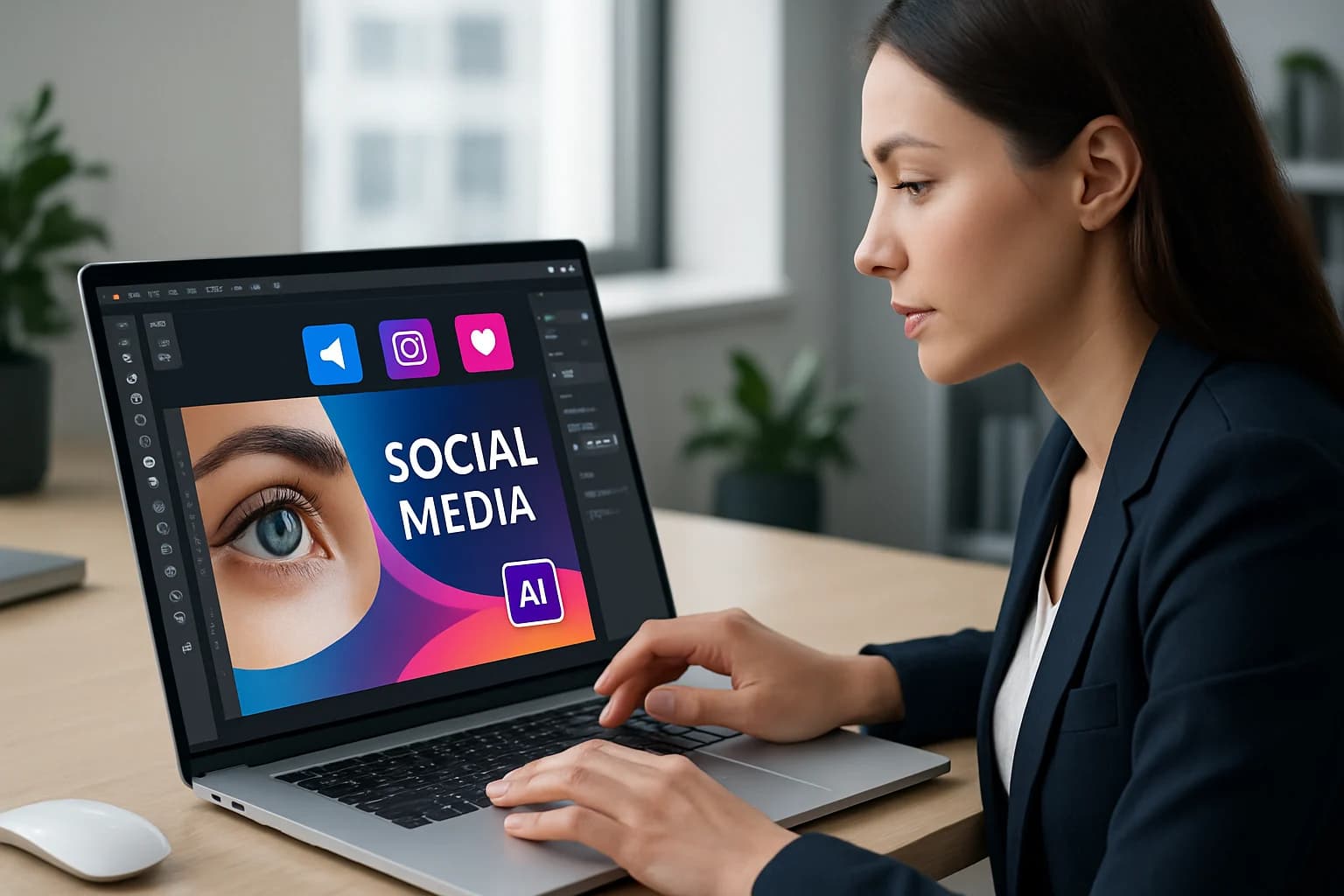
Designing compelling social media banners and headers is essential in today's digital landscape. The proliferation of social media platforms has transformed how brands communicate with their audience. Visual content is more important than ever, as it can capture attention and convey messages effectively to potential customers. With an increasing demand for high-quality graphics, businesses are turning to innovative solutions to keep pace.
One such solution is the use of artificial intelligence (AI) in graphic design. AI tools can streamline the design process, allowing creators to focus on their brand message and audience engagement. As social media continues to evolve, understanding how to leverage AI for designing eye-catching banners and headers will be a critical skill for marketers and businesses alike.
In this article, we will explore the importance of designing effective social media graphics, the role of AI in this process, and provide a comprehensive guide on how to harness these technologies to create visually stunning banners and headers.
Key Takeaways
- AI tools enhance efficiency in graphic design, saving time and resources.
- Personalization options allow for tailored designs that resonate with target audiences.
- Choosing the right AI tool is crucial for achieving desired design outcomes.
- Effective design principles play a pivotal role in capturing audience attention.
- Measuring engagement helps in refining future design strategies.
What is Designing Eye-Catching Social Media Banners and Headers with AI?
Social media banners and headers are the graphical elements that represent a brand on various platforms. These images serve as the first point of contact for users, making their design crucial for brand recognition and engagement. A well-designed banner or header can increase a post's visibility and encourage interaction, which is why investing time and resources into their creation is necessary.
The design's importance in social media marketing cannot be overstated. Eye-catching graphics can lead to higher engagement rates, enhance brand identity, and ultimately drive conversions. In an era where attention spans are short, creating visually appealing banners and headers is a must for any brand looking to stand out in a crowded space.
Why Use AI for Designing Social Media Graphics?
Efficiency and Speed in Design Creation
One of the primary advantages of using AI in graphic design is the efficiency it offers. Traditional design processes can be time-consuming, requiring multiple revisions and extensive input from designers. AI tools can automate many of these tasks, allowing for quicker turnaround times and enabling marketers to respond promptly to trends. For example, tools like Canva can generate design variations in seconds, allowing teams to explore different aesthetics without labor-intensive effort.
Personalization and Customization Options
AI tools also excel in providing personalization options. With the ability to analyze data and user preferences, these tools can help create designs that resonate with specific target audiences. This level of customization can significantly enhance user engagement, making it easier to connect with potential customers. For instance, AI can suggest color schemes based on current market trends or analyze user behavior to recommend elements that are more likely to attract attention.
How to Choose the Right AI Tools for Banner Design
When selecting an AI design tool, it's important to consider several key features:
- User-Friendliness: The tool should be intuitive and easy to navigate, even for those without a design background. A user-friendly interface reduces the learning curve and accelerates productivity.
- Customization Options: Look for tools that offer a variety of templates and design elements to choose from. The more options available, the easier it will be to align designs with your brand identity.
- Collaboration Features: If working in a team, ensure the tool allows for easy sharing and collaboration. Features like comment threads and real-time editing can facilitate smoother teamwork.
- Integration Capabilities: The tool should seamlessly integrate with other platforms you use for social media management, such as scheduling tools or analytics software.
Comparison of Popular AI Design Tools
Here are some popular AI design tools to consider:
- Canva: Offers an easy interface with numerous templates and design elements. It includes a wide range of stock photos and allows users to create animations easily.
- Adobe Spark: Provides powerful customization options with a focus on branding. It allows for the creation of web pages and videos, making it versatile for various marketing needs.
- Visme: Great for infographics and presentations, with a variety of templates. It includes data visualization tools, ideal for creating informative graphics.
- Snappa: Features a vast library of stock photos and templates tailored for social media. Its user-friendly design makes it easy for anyone to create professional-looking graphics.
Step-by-Step Guide to Designing Social Media Banners with AI
Preparing Your Design Concept
Before diving into the design process, take some time to brainstorm and outline your ideas. Consider the following:
- Brand Colors: Ensure that your banner aligns with your brand’s color scheme. Consistency in color helps reinforce brand recognition.
- Target Audience: Think about what will resonate with your audience. Research demographics and preferences to tailor your designs effectively.
- Message: Define the key message you want to convey through your banner. Clarity of message is vital for engagement.
Using AI Tools to Create Designs
Once you have a concept in mind, use an AI design tool to bring it to life. Follow these steps:
- Select a Template: Choose a template that fits your brand and message. Templates provide a strong starting point and help maintain consistency.
- Customize the Design: Modify colors, fonts, and images as needed. Ensure the design reflects your brand's unique voice and personality.
- Incorporate Branding Elements: Ensure your logo and brand name are prominently displayed. This helps in reinforcing brand identity and recognition.
Finalizing and Exporting Your Designs
After creating your design, it's important to review and finalize it:
- Check for Consistency: Ensure all elements align with your brand identity. This includes colors, fonts, and overall style.
- Seek Feedback: Consider sharing your design with team members for input. Constructive criticism can provide valuable insights and improvements.
- Export the Design: Save the file in the appropriate format for social media (e.g., JPEG, PNG). Each platform may have specific requirements, so double-check guidelines.
Best Practices for Effective Social Media Banners and Headers
Creating eye-catching social media banners requires adherence to certain design principles. Here are some best practices:
- Keep it Simple: Avoid cluttering your banner with too much text or too many images. A clean design helps deliver your message more effectively.
- Focus on Readability: Use clear fonts and ensure text contrasts well with the background. This enhances accessibility for all users.
- Use High-Quality Images: Low-resolution images can reflect poorly on your brand. Invest in high-quality visuals to enhance professionalism.
- Consistent Branding: Maintain a consistent look and feel across all social media platforms. This helps in building a cohesive brand image.
Common Mistakes to Avoid in Design
Here are some pitfalls to watch out for:
- Overcomplicating Designs: Too many elements can dilute your message. Stick to a few key visuals and text points to maintain clarity.
- Neglecting Mobile View: Ensure designs look good on mobile devices. Most users access social media via smartphones, so mobile optimization is crucial.
- Ignoring Brand Guidelines: Consistency is key to brand recognition. Always adhere to established brand guidelines to ensure uniformity.
Measuring the Success of Your Social Media Designs
Once your banners and headers are live, it's crucial to measure their success. Utilizing analytics tools can provide insights into engagement levels, reach, and audience interaction.
How to Interpret Design Performance Data
Consider the following metrics:
- Engagement Rate: Look at likes, shares, and comments to gauge audience interest. A higher engagement rate indicates that your design resonates well with viewers.
- Click-Through Rate (CTR): This indicates how many users clicked on links in your banner. A high CTR suggests that your call to action is effective.
- Conversion Rate: Measure how many users completed a desired action after interacting with your banner. This could include signing up for a newsletter or making a purchase.
Frequently Asked Questions
What are the best tools for designing social media banners?
Some of the best tools include Canva, Adobe Spark, and Visme, which offer user-friendly interfaces and a variety of templates suitable for different needs.
How can I make my social media headers more engaging?
To enhance engagement, focus on high-quality visuals, clear messaging, and aligning your designs with current trends. Incorporating eye-catching animations or GIFs can also draw attention.
What dimensions should social media headers be?
Common dimensions vary by platform, but a typical Twitter header size is 1500 x 500 pixels, while Facebook recommends 820 x 312 pixels. Always verify the latest specifications for each platform to ensure optimal display.
Can AI really help in graphic design?
Yes, AI can streamline the design process, automate repetitive tasks, and provide personalized design options based on user preferences. This leads to faster project completion and often better results.
Conclusion
Designing eye-catching social media banners and headers using AI is not only feasible but also essential in today's competitive landscape. By understanding the principles of effective design, utilizing AI tools, and measuring success, brands can create impactful visuals that resonate with their audience.
- Embrace AI tools for efficiency and personalization.
- Adopt best practices to ensure eye-catching designs.
- Measure engagement to refine future strategies.
Take Your Content to the Next Level
Ready to elevate your social media presence? Explore the world of AI design tools today and create stunning banners and headers that capture your brand's essence. Start designing and watch your engagement soar!