
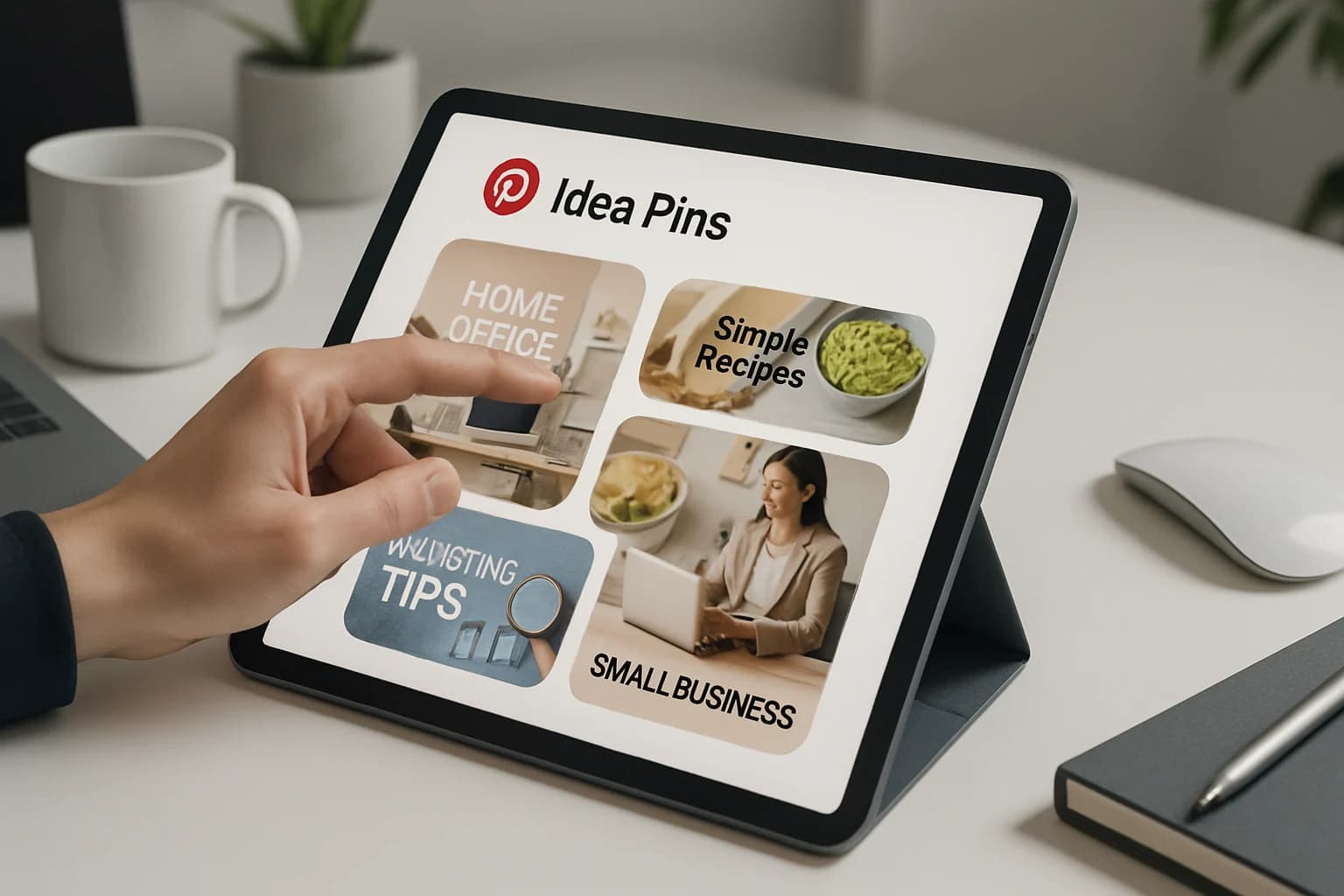
If you're looking to elevate your business presence on social media, utilizing Pinterest Idea Pins can be a game-changer. These engaging, multimedia-rich posts allow you to showcase your brand's unique story and connect with your audience in a visually appealing way. By harnessing the power of Idea Pins, you can drive traffic, boost engagement, and ultimately increase sales.
In this comprehensive guide, we will explore how to effectively use Pinterest Idea Pins for business. From understanding their importance to creating compelling content and analyzing performance, you'll be equipped with the knowledge to leverage this tool to its fullest potential. Let’s dive into how to transform your Pinterest strategy and achieve remarkable results.
Key Takeaways
- Pinterest Idea Pins are multimedia posts that enhance engagement and storytelling.
- Creating visually appealing and informative Idea Pins is crucial for audience connection.
- Analyzing metrics helps in refining your strategy for better performance.
- Integrating Idea Pins with e-commerce can significantly drive sales.
- Avoiding common pitfalls will ensure you leverage Idea Pins effectively.
What are Pinterest Idea Pins and Why Do They Matter?
Pinterest Idea Pins are a unique format of Pins that allow users to share multiple pages of content, including images, videos, and text overlays. Unlike traditional Pins, which are typically static images linked to a website, Idea Pins provide an interactive experience for users, making them a powerful tool for brand storytelling.
For businesses, Idea Pins matter because they:
- Enhance visibility: They stand out in user feeds and can reach a wider audience.
- Encourage engagement: With interactive elements, users are more likely to engage with your content.
- Drive traffic: Engaging Idea Pins can lead users to your website or product pages.
- Showcase products: They allow businesses to present items in a dynamic way, increasing the likelihood of sales.
How to Create Engaging Pinterest Idea Pins
Creating engaging Pinterest Idea Pins involves a few straightforward steps. Here’s a step-by-step guide to get you started:
- Log into Pinterest and click on the "+" icon to create a new Pin.
- Select “Idea Pin” from the menu options.
- Upload your media: You can add images, videos, and even voiceovers.
- Add text overlays: Include compelling captions or titles that reflect your brand voice.
- Arrange the content: Drag and drop to organize your media in a way that tells a story.
- Include links: If applicable, add links to your website or product pages to drive traffic.
- Publish and promote: Once you’re satisfied with your Idea Pin, publish it and share it across your other social media platforms.
Best Practices for Design and Content
To ensure your Idea Pins are effective, consider following these best practices:
- Keep it concise: Aim for short, impactful messages that capture attention quickly.
- Use high-quality visuals: Invest in good photography and video to maintain professional standards.
- Incorporate your brand colors and fonts: This helps reinforce brand identity.
- Tell a story: Use a narrative arc to keep viewers engaged from start to finish.
- Encourage interaction: Ask questions or include polls to prompt user engagement.
Best Practices for Using Pinterest Idea Pins for Business Growth
To maximize the effectiveness of your Idea Pins, implement the following strategies:
- Focus on your audience: Understand who your audience is and what resonates with them.
- Leverage analytics: Use Pinterest Analytics to track engagement and adjust your strategy accordingly.
- Create themed series: Develop a series of Idea Pins around a particular theme to keep your audience coming back for more.
- Collaborate with influencers: Partner with influencers to expand your reach and credibility.
“Content is king, but engagement is queen, and the lady rules the house!”
Tips for Effective Storytelling
- Start with a hook: Grab attention in the first few seconds.
- Build tension: Engage viewers with a problem or challenge.
- Provide a solution: Show how your product or service resolves that issue.
- End with a call to action: Encourage viewers to take the next step, whether it’s visiting your site or making a purchase.
How to Analyze the Performance of Your Idea Pins
Tracking the performance of your Idea Pins is essential for continuous improvement. Here are key metrics to monitor:
- Impressions: How many times your Idea Pin has been seen.
- Engagements: The number of clicks, saves, and shares.
- Close rate: The percentage of people who click on your Idea Pin and take action.
- Traffic to your site: Use UTM parameters to track how much traffic comes from your Idea Pins.
Tools for Analysis
- Pinterest Analytics: Offers insights into how your content is performing.
- Google Analytics: Tracks website traffic and conversions from your Idea Pins.
- Third-party tools: Consider tools like Tailwind for in-depth analytics and scheduling.
Leveraging Pinterest Idea Pins for E-commerce Success
Integrating Idea Pins with your e-commerce strategy can significantly drive sales. Here’s how:
- Showcase products: Create Idea Pins that feature new arrivals or seasonal collections.
- Demonstrate use: Use video content to show how your products can be used effectively.
- Highlight promotions: Share special discounts or limited-time offers through engaging Idea Pins.
Using Idea Pins to Drive Sales
- Link directly to products: Make it easy for users to shop by linking directly to product pages.
- Use shoppable tags: If available, utilize Pinterest’s shoppable tags for a seamless shopping experience.
- Feature user-generated content: Encourage customers to share their own Idea Pins using your products.
Common Mistakes to Avoid When Using Pinterest Idea Pins
While Idea Pins can be powerful, there are common mistakes to watch for:
- Ignoring analytics: Failing to track performance can lead to missed opportunities for improvement.
- Using poor-quality visuals: Low-quality images can harm your brand’s reputation.
- Overloading with information: Too much text can overwhelm viewers; keep it simple.
- Neglecting the call to action: Always guide your audience on what to do next.
Future Trends of Pinterest Idea Pins in Business Marketing
As Pinterest continues to evolve, so do the trends surrounding Idea Pins. Here are some emerging trends to watch:
- Increased focus on video content: Short-form videos are becoming more popular, and Idea Pins are a great medium for this.
- Personalized content: Tailoring your Idea Pins based on user behavior can enhance engagement.
- Integration with shopping features: As Pinterest develops its e-commerce capabilities, expect more features to help businesses sell directly through Idea Pins.
How Businesses Can Adapt
- Stay updated: Regularly review Pinterest’s updates and incorporate new features into your strategy.
- Experiment with formats: Try different types of content to see what resonates most with your audience.
- Engage with trends: Participate in trending topics or challenges to increase visibility.
Frequently Asked Questions
What are the benefits of using Pinterest Idea Pins?
Pinterest Idea Pins enhance engagement, tell your brand story effectively, and drive traffic to your website or product pages.
How do Pinterest Idea Pins differ from regular Pins?
Unlike regular Pins, which are static images, Idea Pins allow for multi-page content that includes videos, images, and text overlays for an interactive experience.
Can I promote my products using Pinterest Idea Pins?
Yes, you can showcase and promote your products effectively using Idea Pins by linking them directly to your product pages.
What types of content can I include in Idea Pins?
You can include images, videos, text overlays, and even voiceovers to create a rich, engaging experience for your audience.
Conclusion
Pinterest Idea Pins are a fantastic tool for businesses looking to enhance their online presence and drive engagement. By creating compelling, high-quality content, analyzing performance, and avoiding common mistakes, you can leverage Idea Pins to boost your brand’s visibility and sales.
- Focus on storytelling to connect with your audience.
- Utilize analytics to refine your content strategy.
- Integrate Idea Pins with your e-commerce offerings for maximum impact.
Take Your Content to the Next Level
Ready to transform your Pinterest strategy? Start creating engaging Idea Pins today and watch your business thrive. Don't wait—begin crafting your story and connect with your audience in a meaningful way!