
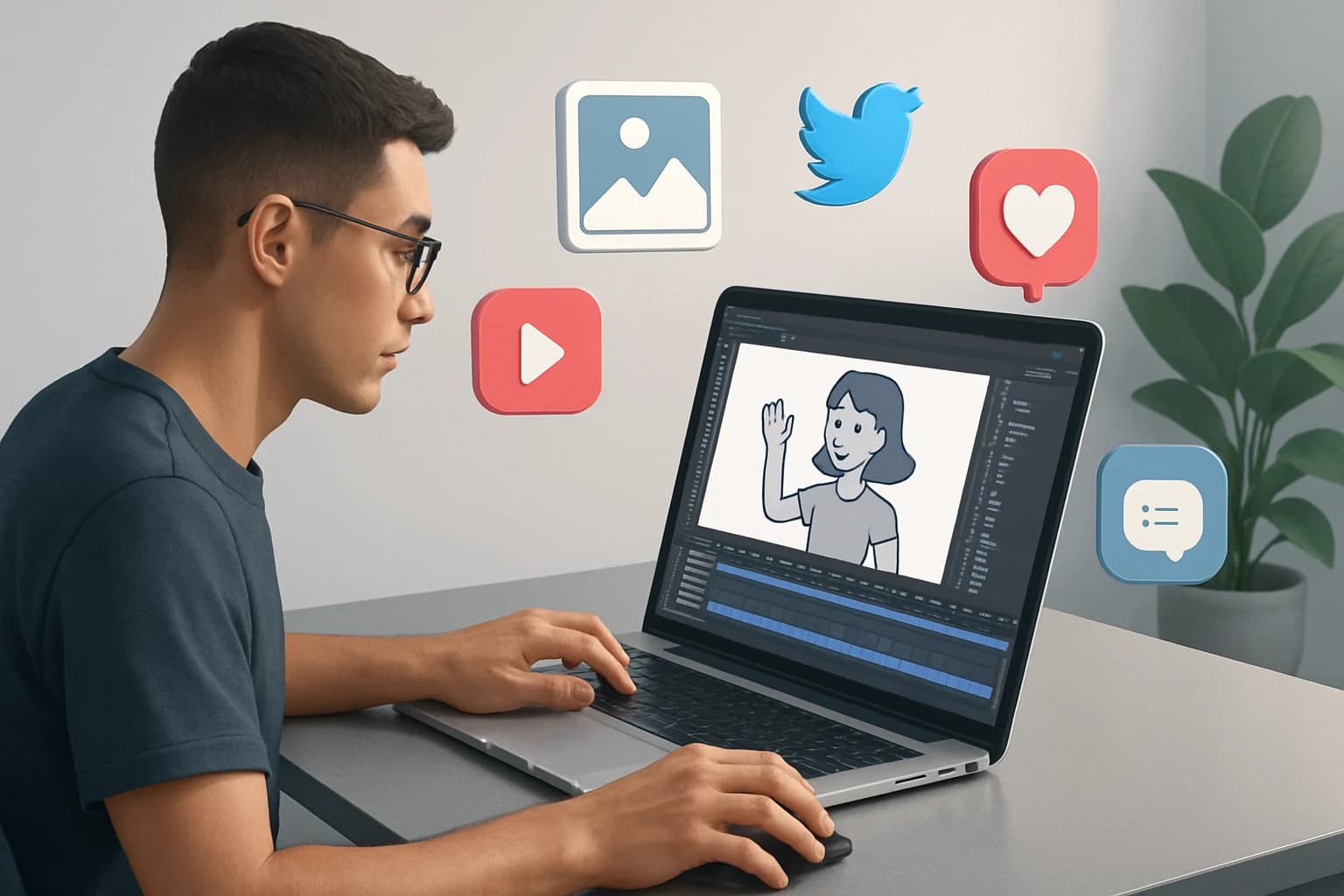
Creating animated content for social media can transform your engagement metrics and enhance your brand's visibility. Imagine captivating your audience with eye-catching animations that convey your message in just a few seconds. This type of content not only grabs attention but also improves recall and increases shareability, making it a powerful tool in your marketing strategy.
In today’s fast-paced digital landscape, where users scroll through endless feeds, animated content stands out. With platforms like Instagram, Facebook, and TikTok prioritizing video content, animations have become a critical element for brands seeking to connect with their audience. This guide will walk you through the process of creating animated content that resonates with your audience and boosts your social media presence.
Key Takeaways
- Animated content grabs attention and increases engagement on social media platforms.
- Choosing the right tools is crucial for creating high-quality animations.
- Storyboarding your ideas helps in organizing thoughts and improving content flow.
- Measuring success through KPIs allows for data-driven improvements.
- Avoid common mistakes to ensure your animated content is effective and engaging.
What is Animated Content and Why Does It Matter?
Animated content refers to any moving visual element that is created using various techniques, including 2D and 3D animation, stop-motion, and motion graphics. This type of content can include animated videos, GIFs, or even interactive animations. The use of animation in social media marketing is a powerful strategy because it can simplify complex ideas and engage viewers in a way that static images or text cannot.
The significance of animated content in social media marketing lies in its ability to capture attention quickly. According to recent studies, animated posts are more likely to be shared than their static counterparts, leading to increased visibility for your brand. Furthermore, animations can convey emotions effectively, making your message more relatable and memorable.
For example, a short animated explainer video can break down a complicated product feature into easy-to-understand visuals, helping potential customers grasp the value quickly. In contrast, a lengthy text post may cause readers to lose interest before they fully understand the message.
How to Create Animated Content for Social Media: A Step-by-Step Guide
Creating animated content might seem daunting, but breaking it down into manageable steps can simplify the process. Here’s how to get started:
1. Choosing the Right Tools
The first step in creating animated content is selecting the right tools. There are many software options available, from beginner-friendly applications to professional-grade software. Some popular choices include:
- Adobe After Effects: Industry-standard for motion graphics, offering advanced features for professional-grade animations.
- Animaker: A user-friendly platform perfect for beginners, offering a variety of pre-made templates and assets.
- Canva: Ideal for simple animations and graphics, with intuitive drag-and-drop functionality that allows for quick design.
- Blender: A powerful tool for creating 3D animations, suitable for users looking to dive deeper into animation.
Choosing the right tool depends on your skill level, the complexity of the animation you wish to create, and your budget. For beginners, starting with a tool like Animaker or Canva may provide a gentle learning curve.
2. Understanding Your Audience
Before diving into animation, take time to understand your audience. Research their preferences, habits, and what type of content resonates with them. This insight will guide your animation style, messaging, and tone.
Consider creating audience personas based on demographic data, interests, and behaviors. For instance, if your target audience consists primarily of young professionals, animations that are sleek, modern, and fast-paced may resonate more effectively.
3. Developing a Storyboard
A well-thought-out storyboard acts as a blueprint for your animation. It helps organize your ideas, ensuring that the flow of information is logical and engaging.
- Identify the main message: What do you want to convey?
- Break it down into key scenes: Outline the major points you want to cover.
- Sketch out each scene: Visualize transitions and how each scene will flow into the next.
Creating a storyboard can be as simple as drawing rough sketches on paper or using digital tools such as Storyboard That or Canva. This step is crucial as it prevents you from straying off-topic during the animation process.
4. Creating the Animation
Once you have your storyboard, it's time to create the animation. Begin by drafting the scenes based on your sketches.
- Use transitions to maintain flow between scenes.
- Incorporate sound effects and music to enhance engagement and evoke emotions.
- Keep animations short and to the point—aim for 15-30 seconds, as shorter videos typically perform better on social media platforms.
Remember to focus on the visual aesthetics of your animation. Use colors that align with your brand identity and ensure that text is legible. High-quality visuals will reflect positively on your brand.
5. Testing and Optimizing
After creating your animation, test it across different devices and platforms. Collect feedback from peers or target audience members.
- Look for improvements in clarity and engagement.
- Make adjustments based on feedback to optimize performance. This could involve tweaking the pacing, revising the script, or adjusting the visuals.
6. Publishing and Promoting Your Animation
Once you’re satisfied with your animation, it’s time to share it with your audience. Choose the right platform based on where your audience spends their time. For example, Instagram and TikTok are excellent for short, snappy animations, while YouTube can accommodate longer formats.
Promote your animation through various channels such as:
- Social Media Ads: Utilize paid promotions to reach a larger audience.
- Email Marketing: Share your animation through newsletters to keep your subscribers engaged.
- Collaborations: Partner with influencers or complementary brands to broaden your reach.
Best Tools for Creating Animated Content
When it comes to creating animated content, the right tools can make all the difference. Here’s a brief overview of some popular options:
Overview of Popular Tools
- Adobe After Effects: Best for professionals, offering a wide range of advanced features for intricate animations.
- Animaker: Ideal for beginners, with intuitive drag-and-drop functionality and pre-made templates.
- Powtoon: Great for explainer videos and presentations, with customizable characters and scenes.
- Vyond: Excellent for creating professional animations quickly, suitable for businesses looking to create engaging content.
Comparison of Features and Pricing
| Tool | Features | Pricing |
|---|---|---|
| Adobe After Effects | Advanced animation and motion graphics | Subscription-based |
| Animaker | Pre-made templates and easy-to-use interface | Free & paid plans |
| Powtoon | Video templates, character animations | Free & paid plans |
| Vyond | Customizable animations and extensive assets | Subscription-based |
User-Friendly Options for Beginners
If you're just starting, consider using tools like Animaker or Canva. These platforms offer simple interfaces, a variety of templates, and extensive libraries of assets to help you create animations without extensive experience.
Tips for Engaging Animated Content
Creating engaging animated content requires an understanding of your audience and incorporating elements that resonate with them. Here are some tips:
-
Understand Target Audience Preferences
- Research trending topics in your niche.
- Survey your audience to gather insights.
- Monitor competitors to see what types of animated content are performing well.
-
Using Humor and Storytelling
- Incorporate humor to make your content memorable and shareable. Light-hearted animations can evoke positive emotions.
- Use storytelling to create an emotional connection. Narratives that highlight challenges and resolutions can be very effective.
-
Incorporating Branding Elements
- Include your logo and brand colors consistently throughout the animation.
- Ensure messaging and tone align with your branding to reinforce brand identity.
-
Call-to-Action (CTA)
- Always end your animation with a clear CTA. Whether it’s visiting your website, following your social media account, or signing up for a newsletter, guiding viewers on what to do next is crucial.
Measuring Success: How to Analyze Animated Content Performance
To ensure your animated content is effective, you must measure its performance. Here’s how:
Key Performance Indicators (KPIs)
Focus on the following KPIs to gauge success:
- Engagement Rate: Likes, shares, and comments on your animation.
- View Count: Total views your animation receives across platforms.
- Click-Through Rate (CTR): Percentage of users who click on your call-to-action.
- Conversion Rate: Measure how many viewers took the desired action after watching the animation.
Tools for Measuring Success
Utilize tools like Google Analytics, Hootsuite, or Sprout Social to track the performance of your animations across different platforms. These tools can provide insights into viewer behavior and preferences.
Iterating Based on Analytics
Use the data collected to iterate your content. Identify what works and what doesn’t, and adjust your future animations accordingly. For instance, if you notice that animations with a particular style or topic perform better, consider focusing more on those elements in your next projects.
Common Mistakes to Avoid When Creating Animated Content
Even experienced marketers can make mistakes when creating animated content. Here are some common pitfalls to avoid:
- Overloading with Information: Keep it simple. Focus on one main message to avoid overwhelming viewers. A cluttered animation can dilute your message and lose viewer interest.
- Ignoring Platform Specifications: Each social media platform has its own requirements for video dimensions and length. Ensure your animation is optimized for the intended platform to avoid cutting off important content.
- Neglecting the Call-to-Action: Always include a clear call-to-action to guide viewers on what to do next. An engaging animation without a CTA may leave viewers unsure of the next steps.
- Forgetting Accessibility: Ensure your animations are accessible to all users, including those with disabilities. Consider adding subtitles or captions for viewers who may have hearing impairments.
Future Trends in Animated Content for Social Media
As technology evolves, so do the trends in animated content. Here are some emerging trends to keep an eye on:
Emerging Technologies
- Augmented Reality (AR): Integrating AR elements into animations can create immersive experiences that engage users in a unique way. Brands can use AR to create interactive advertisements that allow users to visualize products in their own environment.
- 360-Degree Videos: Allowing viewers to explore a scene from different angles can enhance the storytelling experience. This format is particularly effective for travel or real estate brands.
Changing Audience Preferences
As audiences become more discerning, they favor authentic and relatable content. Shorter, more impactful animations are likely to gain traction. With the rapid consumption of content, audiences often prefer quick bites of information that deliver value instantly.
The Role of AI in Content Creation
AI tools are increasingly being used to automate parts of the animation process, making it easier and faster to produce high-quality content. These tools can generate animations based on script inputs, speeding up the creative process and allowing creators to focus on storytelling.
Frequently Asked Questions
How do you make an animated video for social media?
To make an animated video, choose an animation tool, develop a storyboard, create the animation, and optimize it for the specific social media platform. Testing it across various devices before publishing is also essential for a polished final product.
What software is best for animated content?
Popular software includes Adobe After Effects for professionals, Animaker for beginners, and Canva for quick and simple animations. The choice of software depends on your experience level and specific animation needs.
What are the benefits of animated content on social media?
Animated content increases engagement, enhances message retention, and improves shareability across platforms. It can simplify complex topics and convey emotions effectively, making it a versatile marketing tool.
How long should an animated social media video be?
Aim for 15-30 seconds to maintain viewer interest and ensure your message is delivered effectively. Shorter videos are more likely to be watched in their entirety, enhancing engagement.
Conclusion
Creating engaging animated content for social media involves understanding your audience and utilizing the right tools. By following these steps, you can develop animations that resonate with viewers and enhance your brand's presence.
- Choose the right tools to create high-quality animations.
- Understand your audience for more effective messaging.
- Develop a storyboard to organize your ideas.
- Measure success using key performance indicators.
Take Your Content to the Next Level
Ready to elevate your social media strategy? Start creating animated content today! Experiment with different styles, engage your audience, and watch your brand flourish. By leveraging the power of animation, you can transform your social media presence and build lasting connections with your audience.