
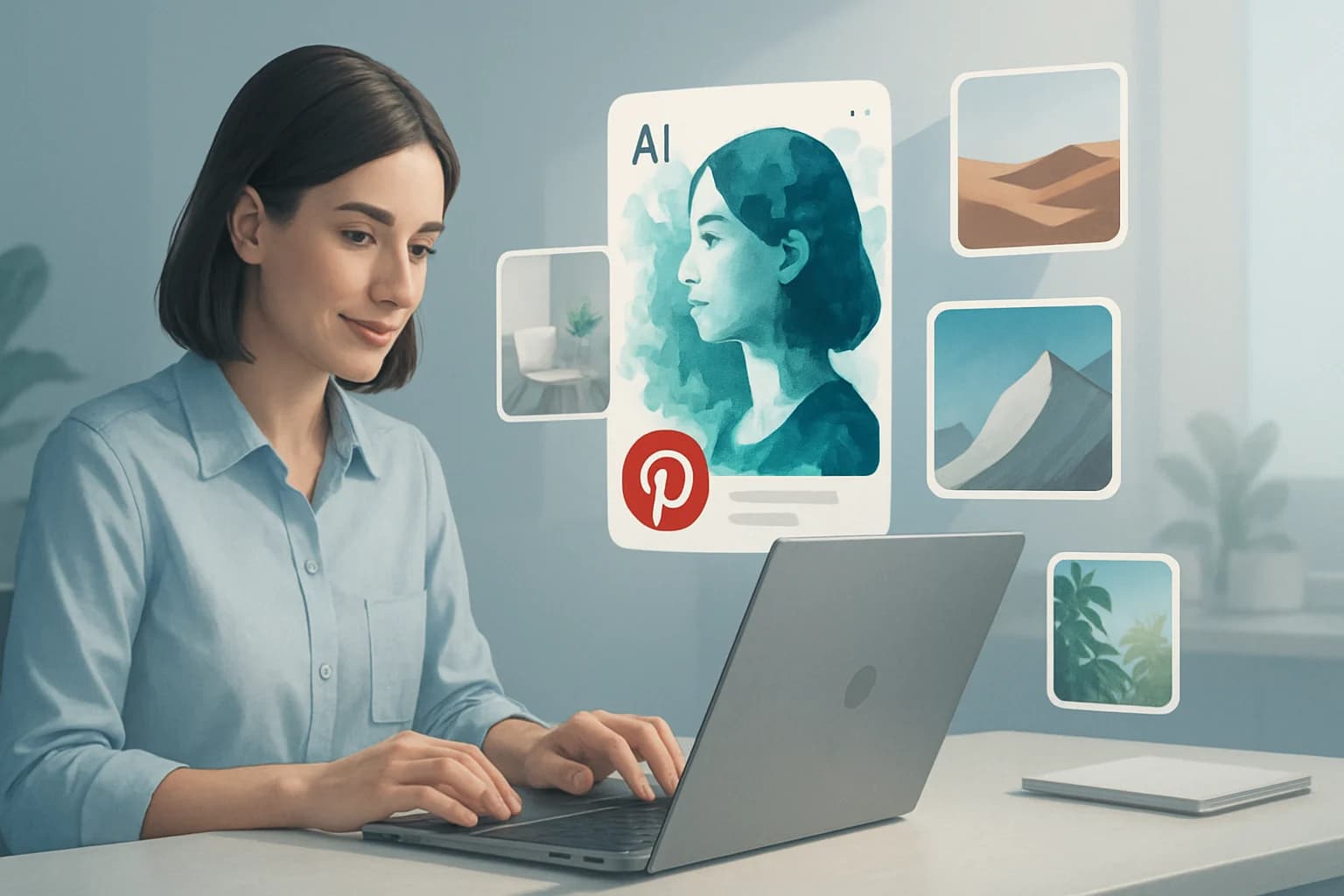
AI-generated images are revolutionizing the way brands approach visual marketing, especially on platforms like Pinterest. As the demand for unique, eye-catching visuals continues to rise, the integration of artificial intelligence into image creation offers marketers a powerful tool to enhance their content strategy. With Pinterest being a highly visual platform, leveraging AI-generated images can significantly boost engagement and drive traffic to your website.
In recent years, the evolution of AI technology has made it easier for marketers to create stunning visuals without needing extensive design skills. This democratization of design empowers brands of all sizes to craft content that stands out in users' feeds. As a result, understanding how to effectively use AI-generated images for Pinterest marketing is more crucial than ever.
This article will explore best practices for incorporating AI-generated images into your Pinterest marketing strategy, from creation to analysis, ensuring you maximize their potential.
Key Takeaways
- AI-generated images can enhance creativity and visual appeal, making your Pinterest boards more engaging.
- Optimizing images for engagement is vital; consider colors, text overlays, and aspect ratios.
- Analyzing performance metrics allows for informed adjustments, improving your overall strategy.
- Ethical considerations are crucial to maintain authenticity and transparency in your marketing efforts.
- Avoid common mistakes such as over-reliance on AI content and neglecting audience preferences.
What are AI-Generated Images and Why Are They Important for Pinterest Marketing?
AI-generated images refer to visuals created using artificial intelligence algorithms. These images can range from entirely new artistic creations to enhanced versions of existing photos. The technology behind these images utilizes machine learning models to understand patterns in visual data, allowing it to generate unique content based on user inputs.
The importance of AI-generated images in Pinterest marketing cannot be overstated. Pinterest users are constantly on the lookout for fresh, dynamic content. By incorporating AI-generated visuals, brands can:
- Stand Out: Unique images capture attention and can lead to higher engagement rates. For instance, a food brand might use AI to create vividly colored, imaginative dish presentations that look unlike any other content on the platform.
- Create Variety: Easily produce a wide range of images to test different aesthetics and themes. This is particularly useful for seasonal campaigns or themed boards, allowing brands to adapt quickly to changing trends.
- Save Time and Resources: Reduce the need for extensive graphic design resources while still delivering high-quality visuals. This efficiency can be crucial for small businesses or teams with limited budgets.
How to Effectively Use AI-Generated Images in Your Pinterest Strategy
Integrating AI-generated images into your Pinterest strategy requires a thoughtful approach. Here’s a step-by-step guide:
- Identify Your Audience: Understand your target demographic's preferences and interests to tailor your visuals accordingly. Conduct surveys or utilize Pinterest Analytics to gather insights into what your audience engages with most.
- Choose the Right Tools: Use AI image generation tools like DALL-E, Midjourney, or Canva's AI tools to create images that align with your brand. Each tool has its unique features; for example, DALL-E excels in generating complex scenes, while Canva is user-friendly for marketers without strong design skills.
- Design for Engagement:
- Use bold colors and striking contrasts to attract attention quickly.
- Incorporate text overlays to convey messages or calls to action, ensuring they are large enough to be legible on mobile devices.
- Ensure your images are vertical (preferably in a 2:3 aspect ratio) to fit Pinterest's layout effectively, maximizing screen space.
Tips for Optimizing Images for Engagement
- Use High-Quality Images: Ensure your images are high-resolution to avoid pixelation, as blurred or low-quality images can deter engagement.
- A/B Testing: Experiment with different designs and monitor which versions drive the most engagement. For example, test different color schemes or text placements to find the most effective combination.
- Incorporate Trends: Keep an eye on current Pinterest trends and align your imagery with popular themes, such as seasonal events or viral challenges. Tools like Pinterest Trends can help identify what’s currently capturing users' interest.
What Are the Key Benefits of Using AI-Generated Images on Pinterest?
Utilizing AI-generated images provides several advantages for brands looking to enhance their Pinterest marketing efforts:
- Enhanced Creativity and Visual Appeal: AI tools can produce imaginative visuals that may not be possible through traditional means, allowing for unique branding opportunities that stand out in a crowded feed.
- Time-Saving Solutions: Creating visuals with AI is often faster than hiring designers or creating content manually. For instance, a marketing team can generate multiple images in just a few minutes, allowing for a quicker turnaround on campaigns.
- Cost-Effective: With the ability to generate numerous images at a low cost, brands can allocate resources to other marketing activities, such as influencer partnerships or social media advertising.
AI-generated images can also facilitate rapid iteration, enabling marketers to quickly adjust visuals based on performance data. This agility is crucial in a fast-paced digital environment where trends can shift overnight.
What Are the Best Practices for Creating AI-Generated Images for Pinterest?
When creating AI-generated images for Pinterest, consider the following best practices:
Design Considerations and Branding
- Consistency: Maintain a cohesive style that reflects your brand's identity. Use similar color schemes, fonts, and design elements across all your images to create a recognizable brand presence.
- Color Palette: Choose colors that resonate with your audience and align with your brand. For example, a wellness brand might use calming greens and blues to evoke a sense of tranquility.
- Text Legibility: Ensure any text overlay is easy to read, using contrasting colors and appropriate font sizes. Test how your text looks on various devices and screen sizes to ensure readability.
Quality and Resolution Requirements
- High Resolution: Aim for images that are at least 1000 pixels wide for optimal display. This ensures your visuals look professional and appealing, helping to build trust with your audience.
- Aspect Ratio: Stick to the recommended 2:3 ratio (e.g., 1000 x 1500 pixels) to enhance visibility on the platform. This format not only fits well within Pinterest’s layout but also encourages users to engage with your content.
How to Analyze the Performance of Your AI-Generated Images on Pinterest
Measuring the success of your AI-generated images is essential for refining your strategy. Here are some tools and metrics to consider:
- Pinterest Analytics: Use Pinterest’s built-in analytics to track impressions, clicks, and saves. This platform provides valuable insights into which pins are performing well and which need improvement.
- Third-Party Tools: Platforms like Tailwind and Buffer offer additional insights into your performance metrics, including audience engagement and optimal posting times.
- Key Metrics to Monitor:
- Engagement Rate: The percentage of interactions (likes, saves, comments) relative to impressions, giving you insight into how well your content resonates.
- Click-Through Rate (CTR): The ratio of clicks to views, indicating how compelling your images are. A high CTR suggests your visuals effectively drive traffic to your website.
Interpreting Engagement Data
- Look for patterns in high-performing images to understand what resonates with your audience. For instance, if images with people engaged in activities receive more saves, consider incorporating more lifestyle imagery into your strategy.
- Regularly review and adjust your strategy based on the insights gathered from performance data. For example, if certain themes consistently perform better, consider focusing more on those areas in your future content.
What Ethical Considerations Should You Keep in Mind When Using AI-Generated Images?
As you incorporate AI-generated images into your Pinterest strategy, several ethical considerations must be addressed:
- Copyright and Ownership Issues: Ensure you understand the licensing terms of the AI tools you use. Some tools may have restrictions on commercial use, meaning you cannot use the generated images for promotional purposes without proper permissions.
- Authenticity and Transparency: Be transparent with your audience about the use of AI-generated images to maintain trust. Consider adding a note or disclaimer if your content is primarily AI-generated, informing users about the technology behind the visuals.
- Cultural Sensitivity: Avoid using imagery that could be considered offensive or appropriative; ensure that your content respects diverse cultures and perspectives. Always do thorough research when creating visuals that represent specific cultures or communities.
Common Mistakes to Avoid When Using AI-Generated Images on Pinterest
While AI-generated images offer numerous benefits, it’s essential to avoid common pitfalls:
- Over-Reliance on AI-Generated Content: Balance AI-generated images with authentic, original content to maintain a personal touch. Authentic storytelling and personal experiences can create emotional connections that AI cannot replicate.
- Ignoring Audience Preferences: Always keep your audience's tastes and interests in mind to ensure your images are relevant. Conducting regular surveys or feedback sessions can provide valuable insights into what your audience wants to see.
- Neglecting Testing: Failing to A/B test can lead to missed opportunities for optimization and improved engagement. Regularly experiment with different designs, captions, and posting times to find the best combination that resonates with your audience.
Frequently Asked Questions
What are the advantages of using AI-generated images?
AI-generated images provide unique visuals quickly and cost-effectively, enhancing creativity and allowing brands to experiment with different styles without extensive resources.
How do AI-generated images compare to traditional images?
AI-generated images can offer more variety and customization than traditional images, allowing for rapid creation of highly tailored visuals that meet contemporary design trends.
Can AI-generated images improve Pinterest marketing results?
Yes, by creating eye-catching and unique visuals tailored to audience preferences, AI-generated images can significantly boost engagement and improve marketing results.
What tools can I use to create AI-generated images?
Popular tools include DALL-E, Midjourney, Canva, and Adobe Firefly, which enable users to create stunning visuals with minimal effort, each offering unique functionalities.
Conclusion
Incorporating AI-generated images into your Pinterest marketing strategy can significantly enhance your visual appeal and engagement rates. By understanding best practices and ethical considerations, you can leverage this technology effectively.
- Focus on creating unique, high-quality visuals that resonate with your audience.
- Regularly analyze performance metrics to refine your strategy based on data-driven insights.
- Maintain authenticity and transparency with your audience to build trust and credibility.
Take Your Content to the Next Level
Ready to elevate your Pinterest marketing game? Start experimenting with AI-generated images today. Discover the tools that work best for your brand, and watch your engagement soar! By embracing the potential of AI in your visual strategy, you can stay ahead of the competition and captivate your audience with compelling, innovative content.